Justility
Redact a PDF and inspect it before sharing
Place manual masks, rebuild the PDF and check every page visually and with text extraction.
Work from an original copy and identify every visible occurrence of the information to remove. This workflow uses manually placed rectangles; it does not automatically find personal information.
Check whether text is selectable
Extract existing text to help locate occurrences. A scanned page may contain no selectable text even though information is visible. This first check is not a privacy certificate.
Open PDF to textPlace and verify manual masks
Specify page,x,y,width,height in PDF points from the top-left. Example 1,40,100,160,24 is only a sample rectangle, not a safe location for your document. The output is rebuilt as images with the selected areas blackened.
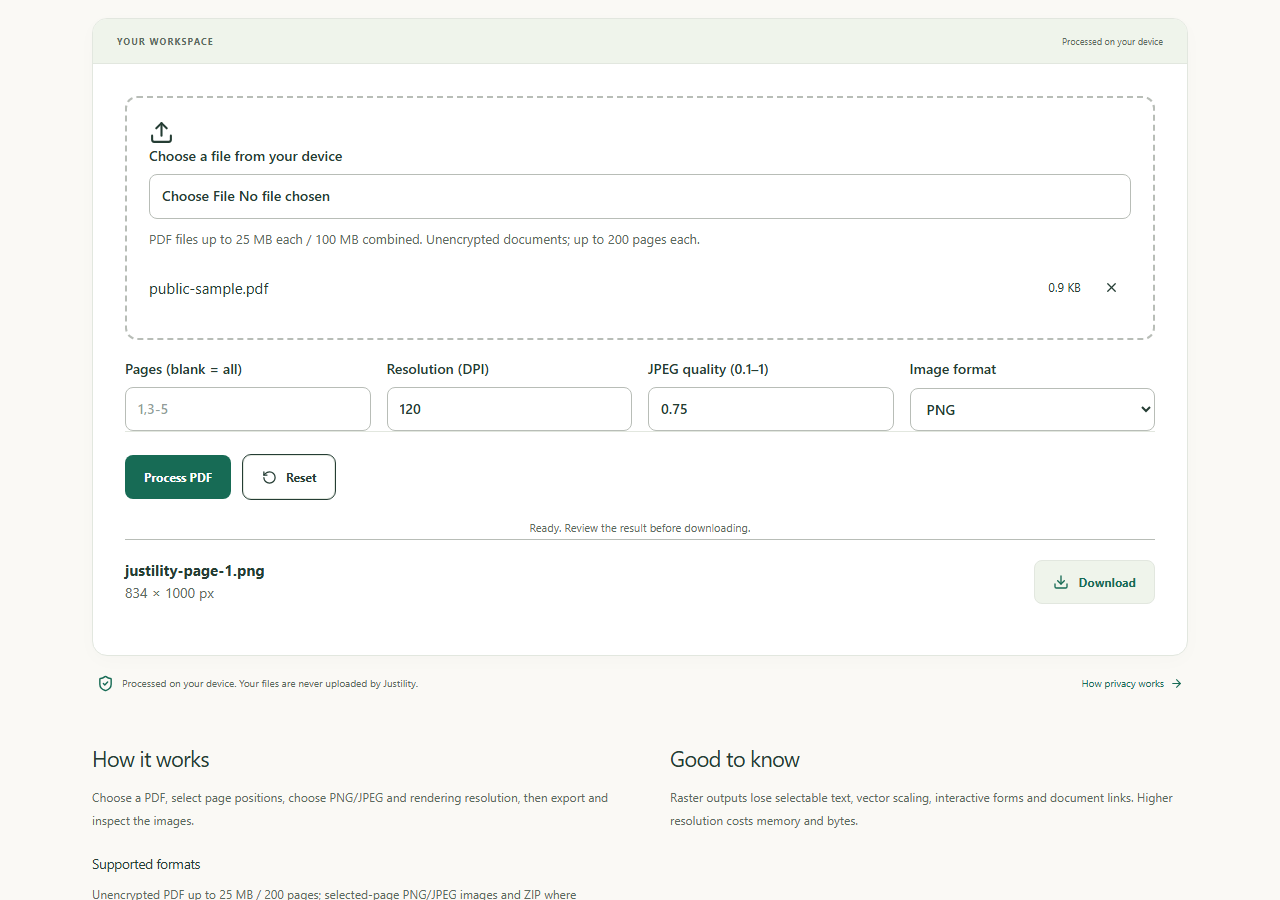
Open PDF redactionInspect every exported page
Render the actual redacted PDF. Check the masks cover all characters, every repeat and surrounding clues. Increase a mask and regenerate from the original if any part remains visible.
Open PDF to JPG/PNGCheck the exported text layer
The rebuilt output should not expose the original selectable text. Combine this check with visual inspection: no extracted text alone cannot prove that all visible private information was covered.
Open PDF to text
Worked example
Before
A PDF containing a private line, with a mask aligned over that line.
After
An image-only PDF with the covered area burned black; other visible information remains.
Check before you finish
Rasterization removes selectable text, forms, links, annotations and original metadata, and can reduce readability or increase size. The original on disk remains unchanged. Metadata removal on its own does not redact visible content.