 Justility
Clean a CSV and split it for import
Choose duplicate keys, preserve text codes and split a reviewed table into smaller CSV files.
Keep the original CSV and work on a copy. Decide what one record means and which columns identify a duplicate before removing anything.
Inspect headers and preview changes
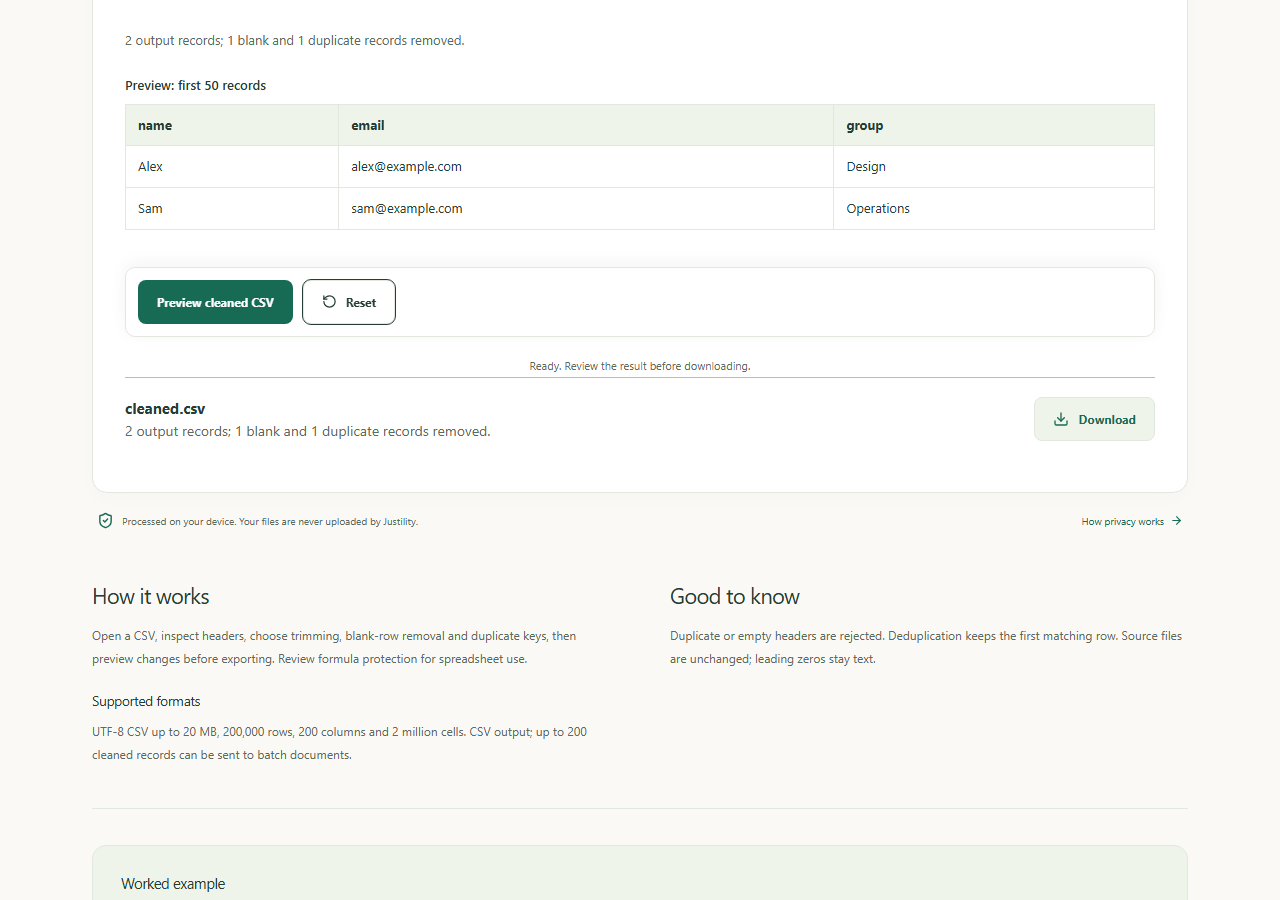
Use unique, nonempty headers. Choose trimming, blank-row removal and duplicate keys. Two records sharing a name are not necessarily duplicates; preview the retained first occurrence.
Open CSV cleaner & deduplicatorChoose an import-friendly split
Split by record count for an importer’s row limit or by an exact column value for separate groups. Headers repeat in every output. Clean inconsistent group names first.
Open CSV splitter & column extractorConvert only when the destination needs JSON
Convert a smaller reviewed CSV into objects. Values stay strings, so 00123 remains a code. Assign numeric types deliberately in the destination application.
Open CSV to JSON converter
Worked example
Before
name,email
Ada,[email protected]
Ada,[email protected]
Sam,[email protected]
After
After exact all-column deduplication: two records, Ada and Sam. Splitting at one record produces two CSV files, each with a header.
Check before you finish
CSV cleaner/splitter accept up to 20 MB, 200,000 rows, 200 columns and two million cells. Splits stop at 100 files / 60 MB. Spreadsheet formula protection adds an apostrophe to sensitive prefixes; review the effect on legitimate negative numbers. Neither export overwrites the source.
How files, backups and tool handoffs are handled
Workflows to try
Create certificates from a CSV
Prepare recipient columns, preview a plain-text template and review a ZIP of personalized PDFs.