 Justility
CSV cleaner & deduplicator
Trim CSV fields, remove blank or duplicate records and extract columns locally.
Processed on your device. Your files are never uploaded by Justility.
How privacy worksHow it works
Open a CSV, inspect headers, choose trimming, blank-row removal and duplicate keys, then preview changes before exporting. Review formula protection for spreadsheet use.
Supported formats
UTF-8 CSV up to 20 MB, 200,000 rows, 200 columns and 2 million cells. CSV output; up to 200 cleaned records can be sent to batch documents.
Good to know
Duplicate or empty headers are rejected. Deduplication keeps the first matching row. Source files are unchanged; leading zeros stay text.
Worked example
Before
name,email
Ada,[email protected]
Ada,[email protected]
Sam,[email protected]
After
name,email
Ada,[email protected]
Sam,[email protected]
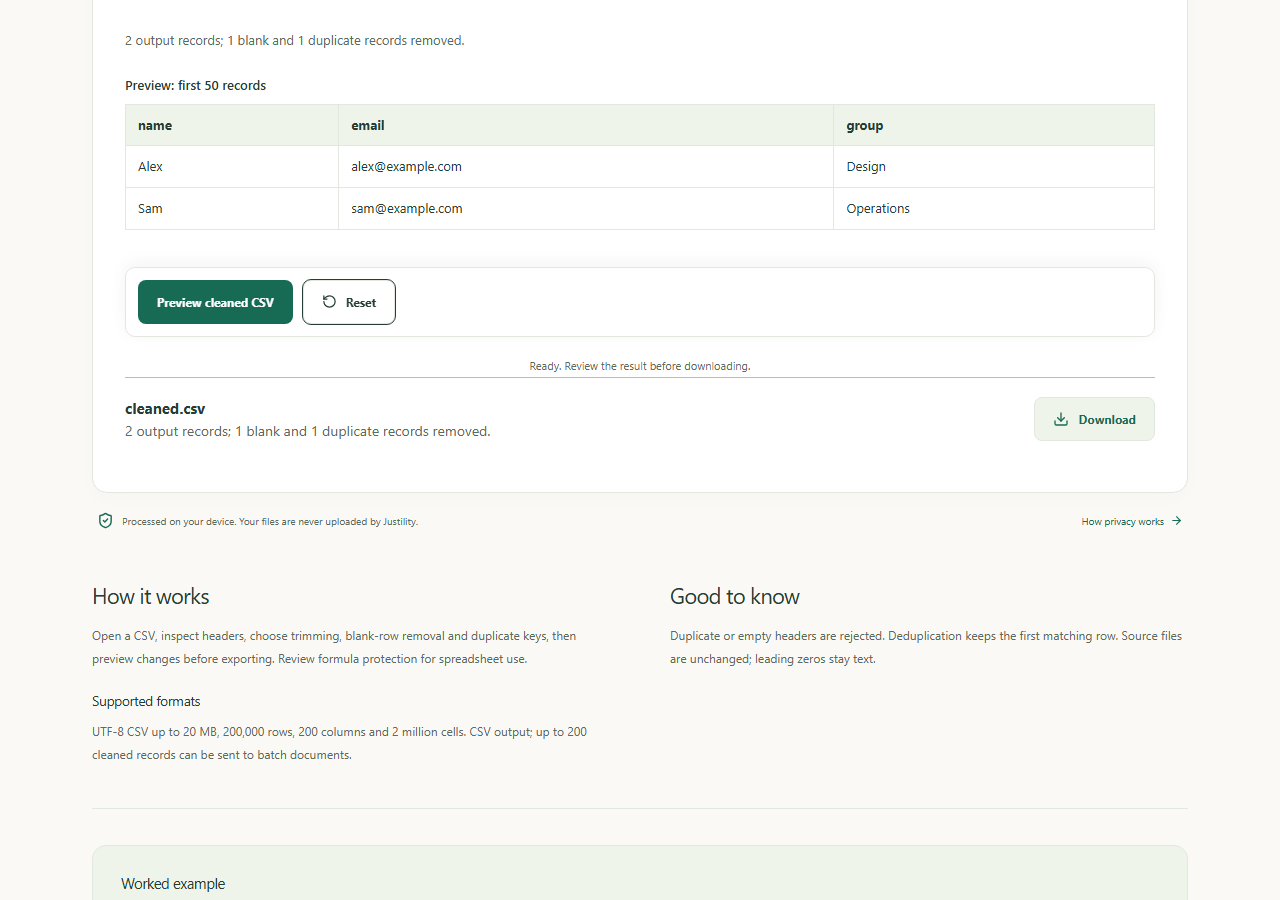
With all-column deduplication enabled, three input records become two. Review your chosen key columns before removing rows.
Choose what makes a record unique
Two people may share a name. Deduplicating on an email or reference column is different from comparing every field. Formula protection adds an apostrophe to spreadsheet-sensitive cell prefixes such as =, +, - and @.
CSV splitter & column extractorTroubleshooting
Why was a row I expected to keep removed?
Check the duplicate keys and case comparison setting. Preview again from the unchanged source using a more specific key.
Practical workflows
Clean a CSV and split it for import
Choose duplicate keys, preserve text codes and split a reviewed table into smaller CSV files.
Create certificates from a CSV
Prepare recipient columns, preview a plain-text template and review a ZIP of personalized PDFs.
Common questions
Will account codes such as 00123 lose their zeros?
Values are retained as strings here. A spreadsheet may still infer numbers when opening a CSV; import that column as text.
Can I use this without an internet connection?
Yes, after you prepare this tool from Offline help and the browser retains its assets. Installation is optional. All processing dependencies are bundled locally.