 Justility
Turn a timesheet into an invoice
Calculate billable minutes, preserve rounded line amounts and save editable backups alongside your PDF.
Enter the actual billable minutes and agreed rate, then check the rounded amounts before creating a client document. These examples explain the tool’s arithmetic, not local tax requirements.
Build and review the timesheet
Add dates, task descriptions, whole minutes and rates. Ninety minutes at 10.01 per hour produces a rounded 15.02 line amount in a two-decimal currency. Up to 200 entries are supported.
Open Timesheet builderOpen the invoice handoff
Use the timesheet’s invoice action. A new same-origin tab receives the data in memory. Line amounts use quantity one so one minute at 1,000.00 per hour remains 16.67 instead of drifting through rounded fractional hours.
Open Invoice & quote makerReview details and export both versions
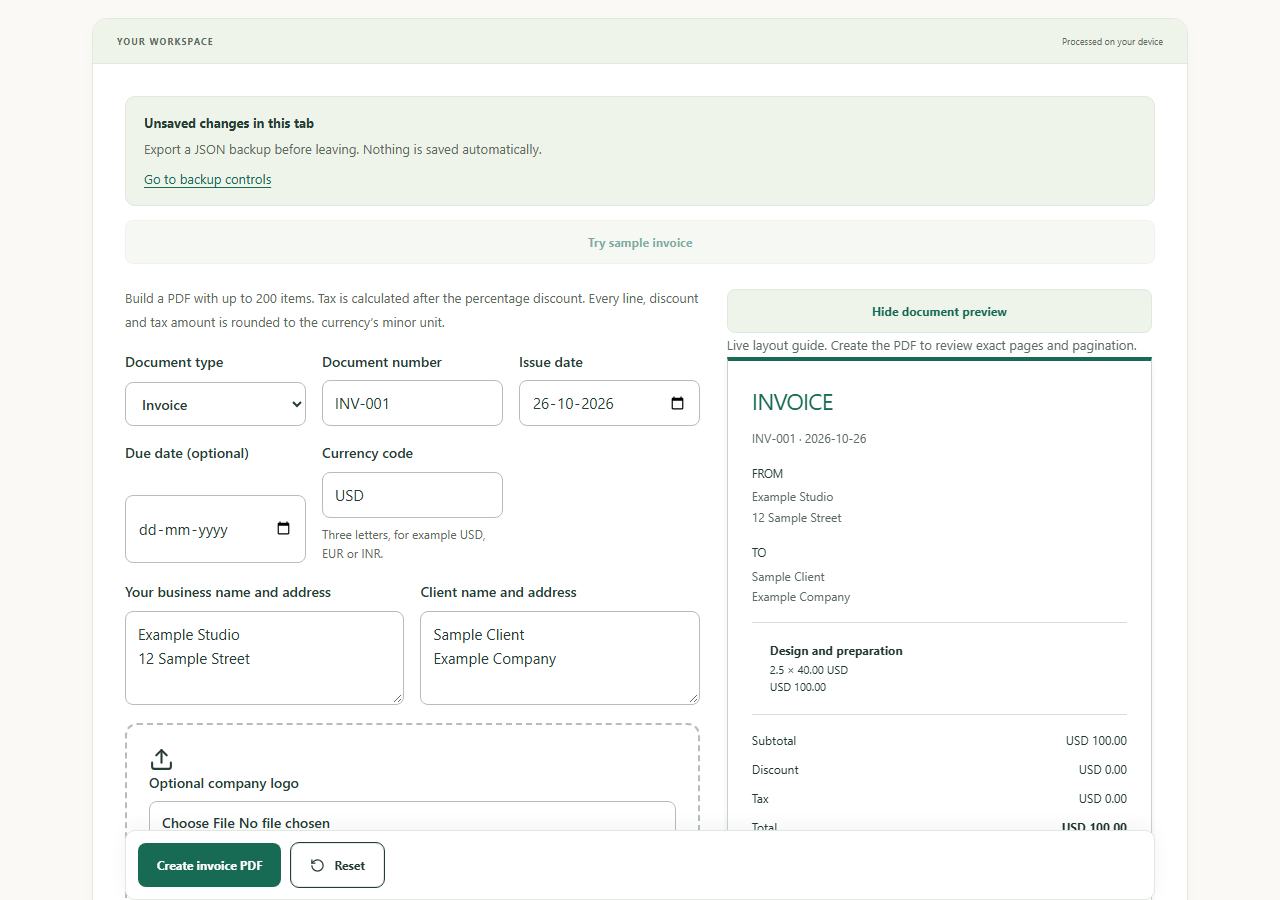
Fill seller/client details, currency, dates and payment information. Review discount and tax, inspect every PDF page, then download the PDF and a JSON backup for later edits.
Open Invoice & quote maker
Worked example
Before
A 90-minute billable task at 10.01 per hour.
After
Timesheet amount 15.02 → invoice line quantity 1, amount 15.02, before any invoice discount or tax.
Check before you finish
Drafts are not automatically saved. JSON backups are readable and unencrypted. Keep the source timesheet backup too; verify currency and local invoice requirements before sharing.
How files, backups and tool handoffs are handled
Workflows to try
Create certificates from a CSV
Prepare recipient columns, preview a plain-text template and review a ZIP of personalized PDFs.