 Justility
Invoice & quote maker
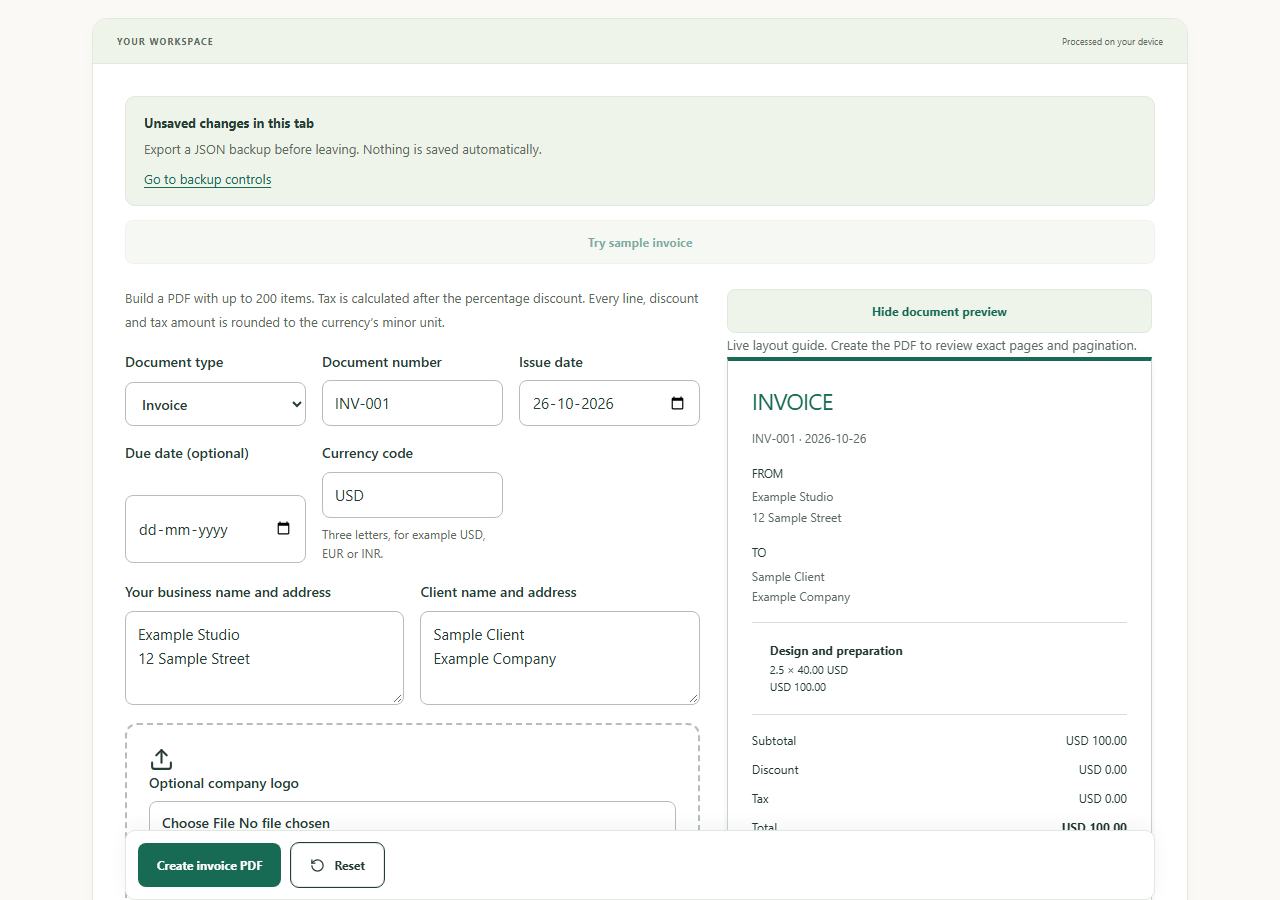
Create local invoice and quote PDFs with line items, discounts, tax and an optional logo.
Processed on your device. Your files are never uploaded by Justility.
How privacy worksHow it works
Enter seller and client details, choose invoice, quote or receipt, add line items and review discount, tax and totals. Preview and download PDF; export JSON to resume later.
Supported formats
Local form and JSON backup; PDF export. Up to 200 line items; PNG/JPEG/WebP logo up to 2 MB / 4 megapixels.
Good to know
This is a document maker, not tax or accounting advice. Drafts are not automatically saved. PDF text supports Latin, Greek and Cyrillic; check other scripts before relying on the export.
Worked example
Before
2.5 units × 40.00; discount 10%; tax 18%
After
Subtotal 100.00 → discounted 90.00 → tax 16.20 → total 106.20
Tax is applied after discount in this tool. Currency precision follows the selected currency.
Keep an editable backup and a final copy
The PDF is for sharing. JSON is a readable, unencrypted backup for restoring the form. Review names, payment details, dates and local invoice requirements yourself.
Timesheet builderTroubleshooting
Why did my draft disappear after closing the tab?
Form data is not automatically persisted. Import a JSON backup if you exported one; download one before leaving future drafts.
Practical workflows
Turn a timesheet into an invoice
Calculate billable minutes, preserve rounded line amounts and save editable backups alongside your PDF.
Common questions
Can a timesheet become an invoice?
Yes. Timesheet builder can open an invoice with calculated line amounts. Review the client details, tax and total before exporting.
Can I use this without an internet connection?
Yes, after you prepare this tool from Offline help and the browser retains its assets. Installation is optional. All processing dependencies are bundled locally.